Codemy - eCourse Website
Codemy - eCourse Website
Codemy - eCourse Website
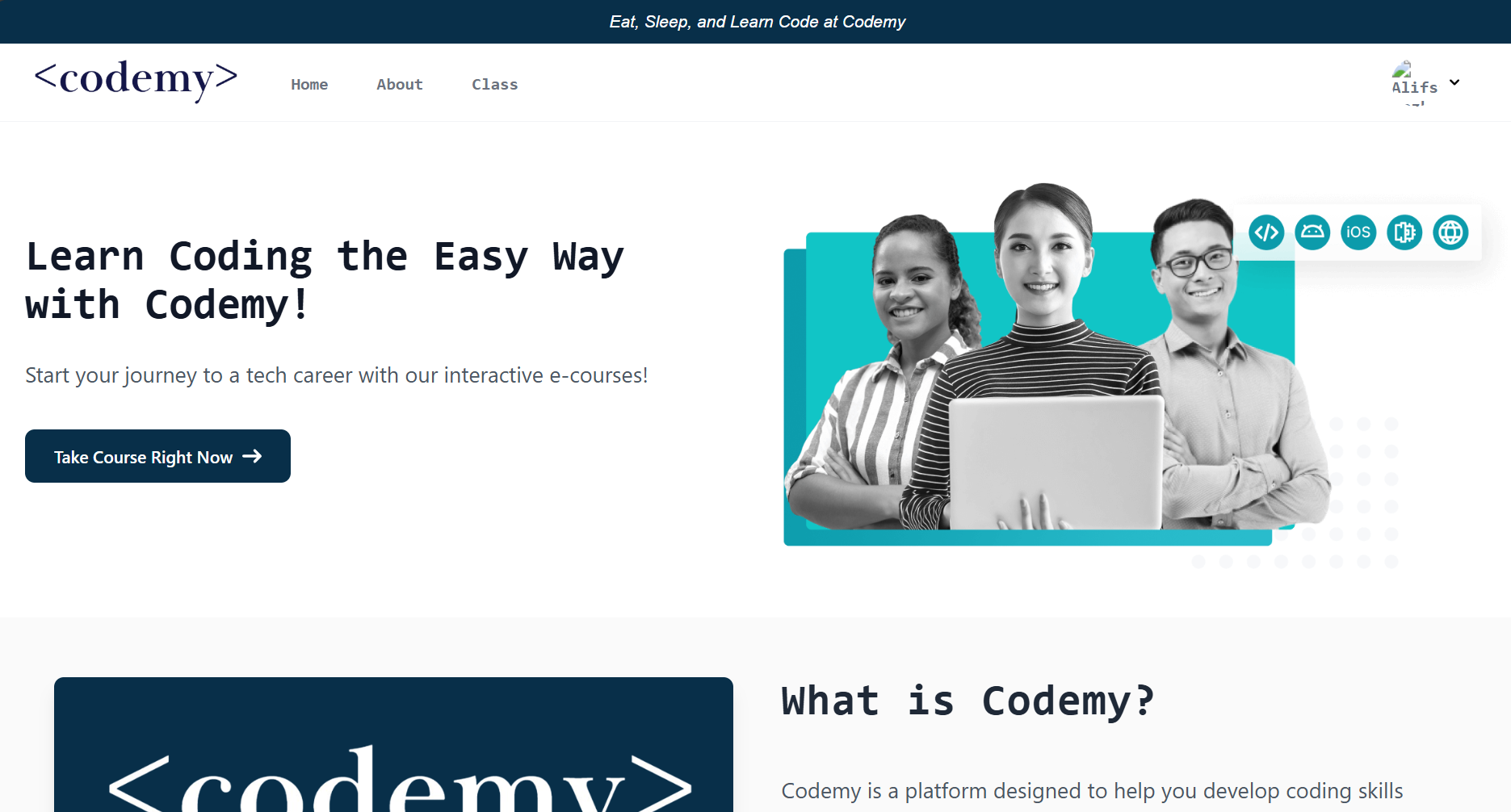
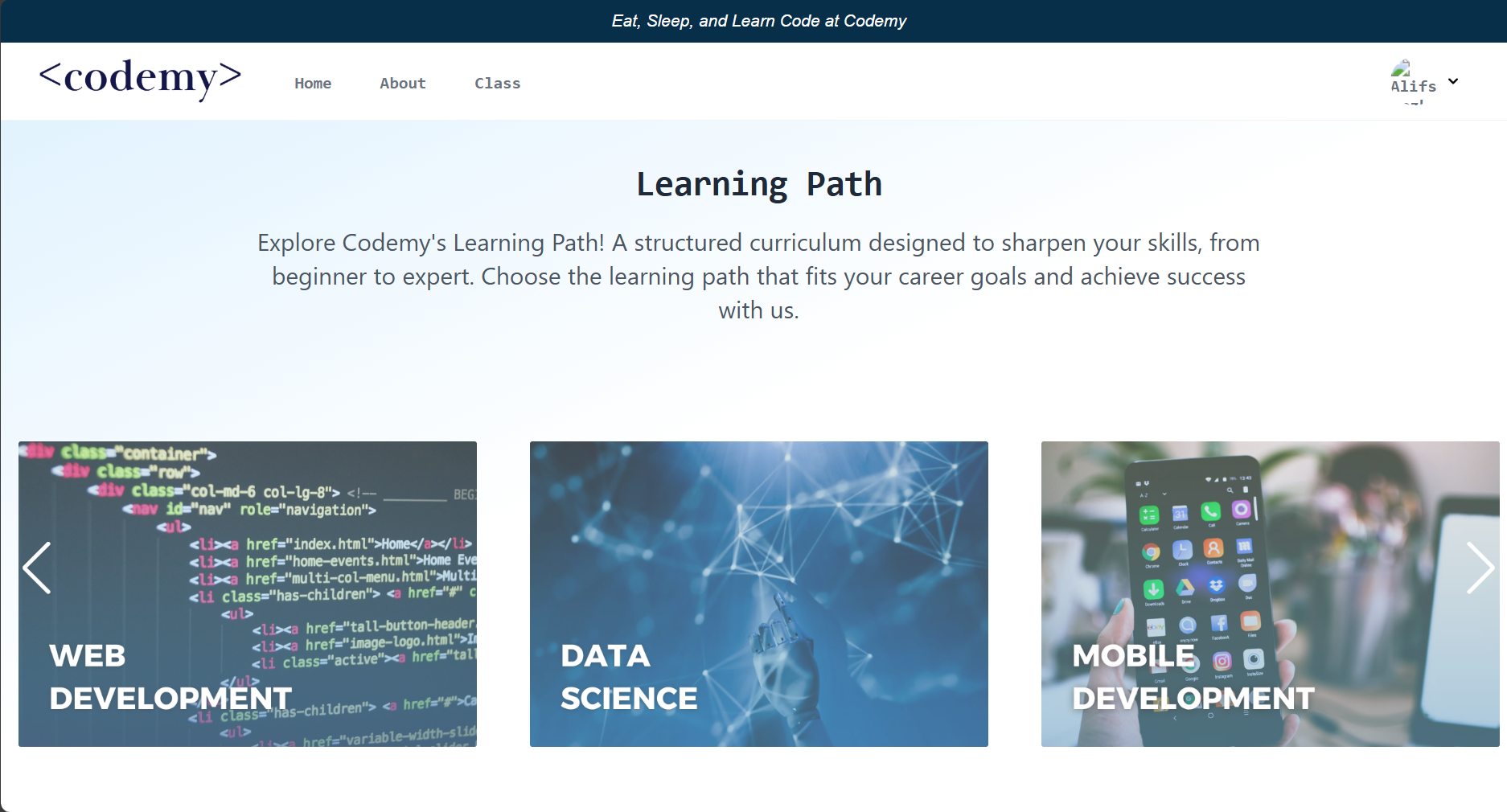
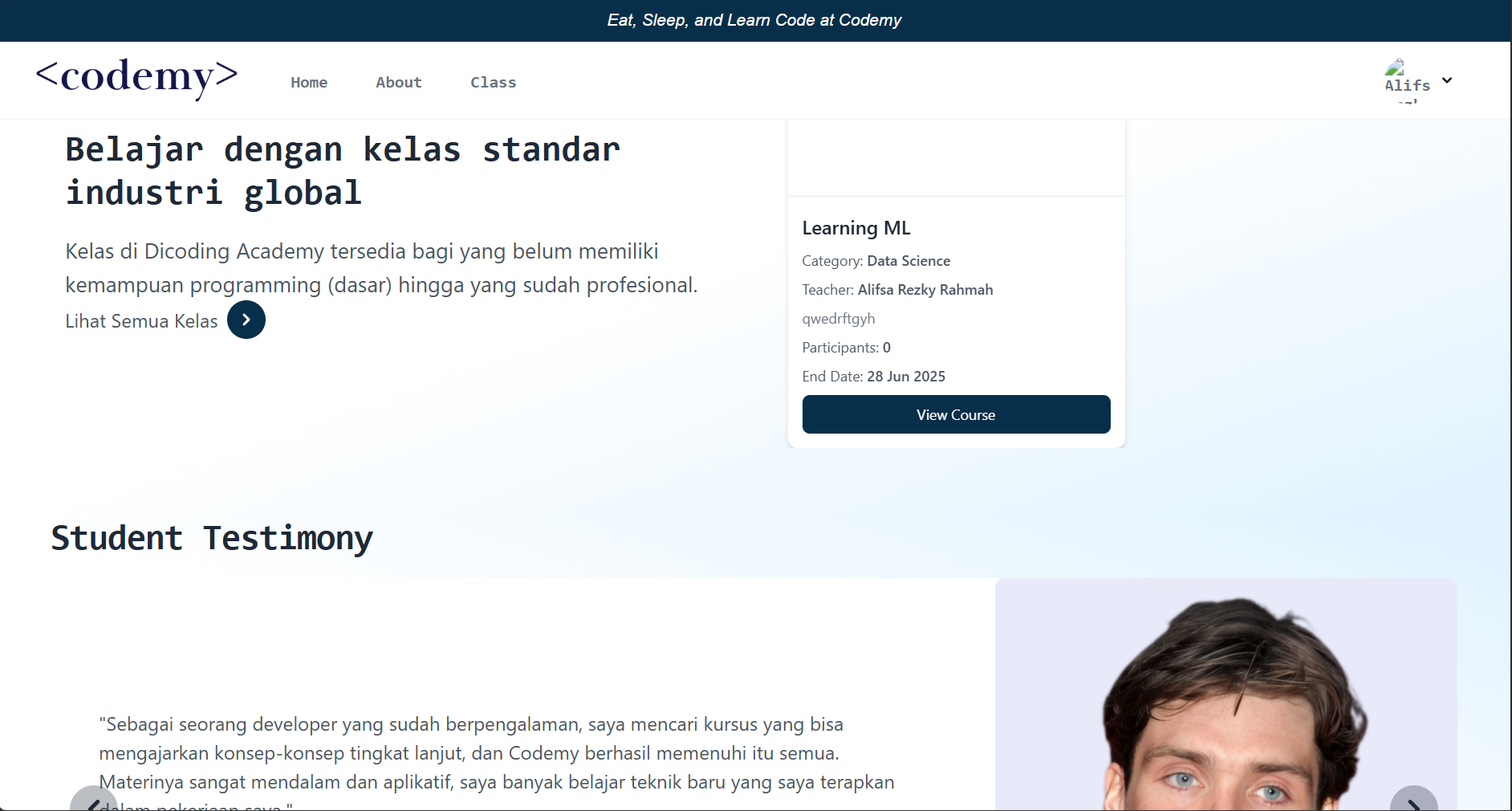
Codemy stands for Code Academy that online course platform is designed to provide interactive learning services between teachers and students through structured and easy-to-use features. The platform has main roles: Admin, Teacher, Student, and Public User (Guest), each with tailored access based on their needs.
Main Features
- Admin: Manages users (Teacher and Student), courses, and learning content.
- Teacher: Creates, edits, and deletes courses and learning materials. Monitors student progress.
- Student: Enrolls in courses, accesses learning materials, and tracks learning progress.
- Public User (Guest): Views the list of available courses and their details without logging in.
Additional Features:
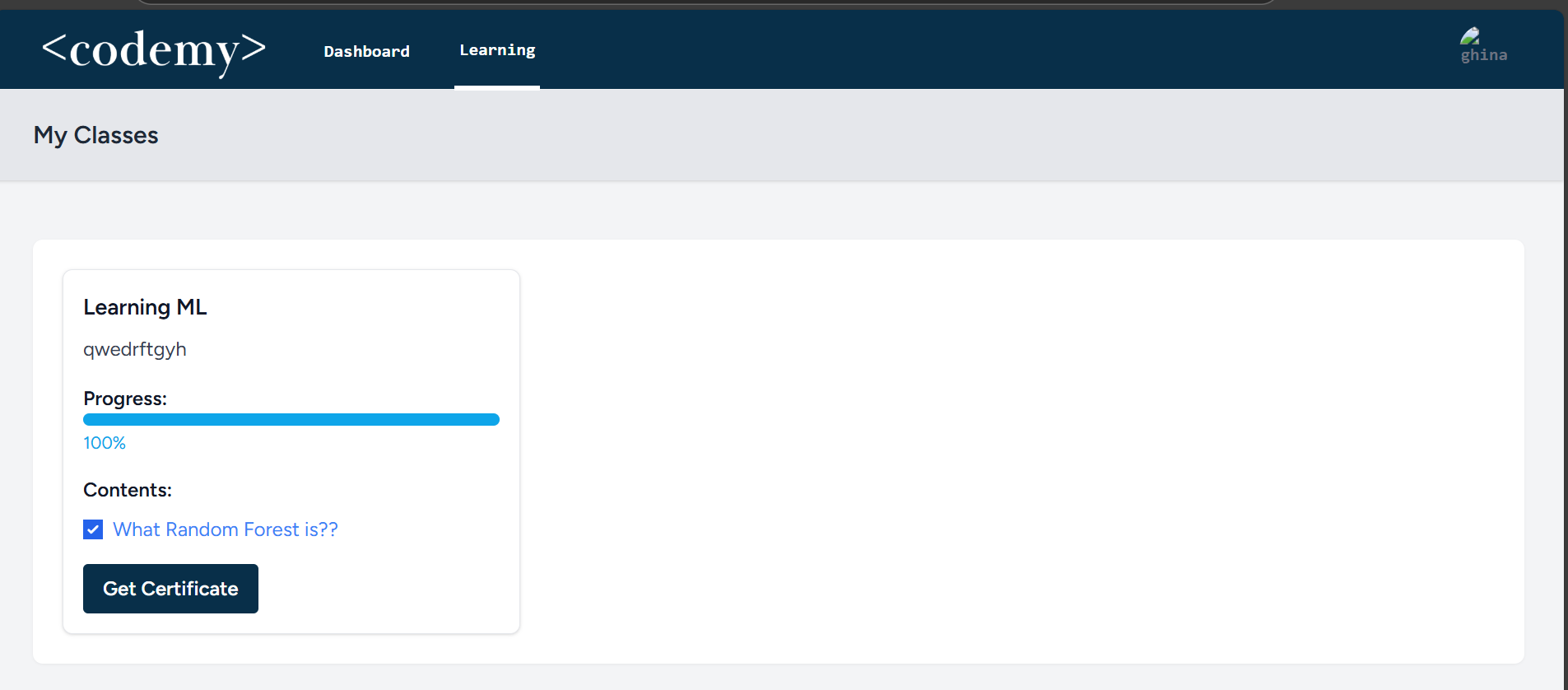
- Progress tracking system with progress bar
- Discussion forum for students and teachers
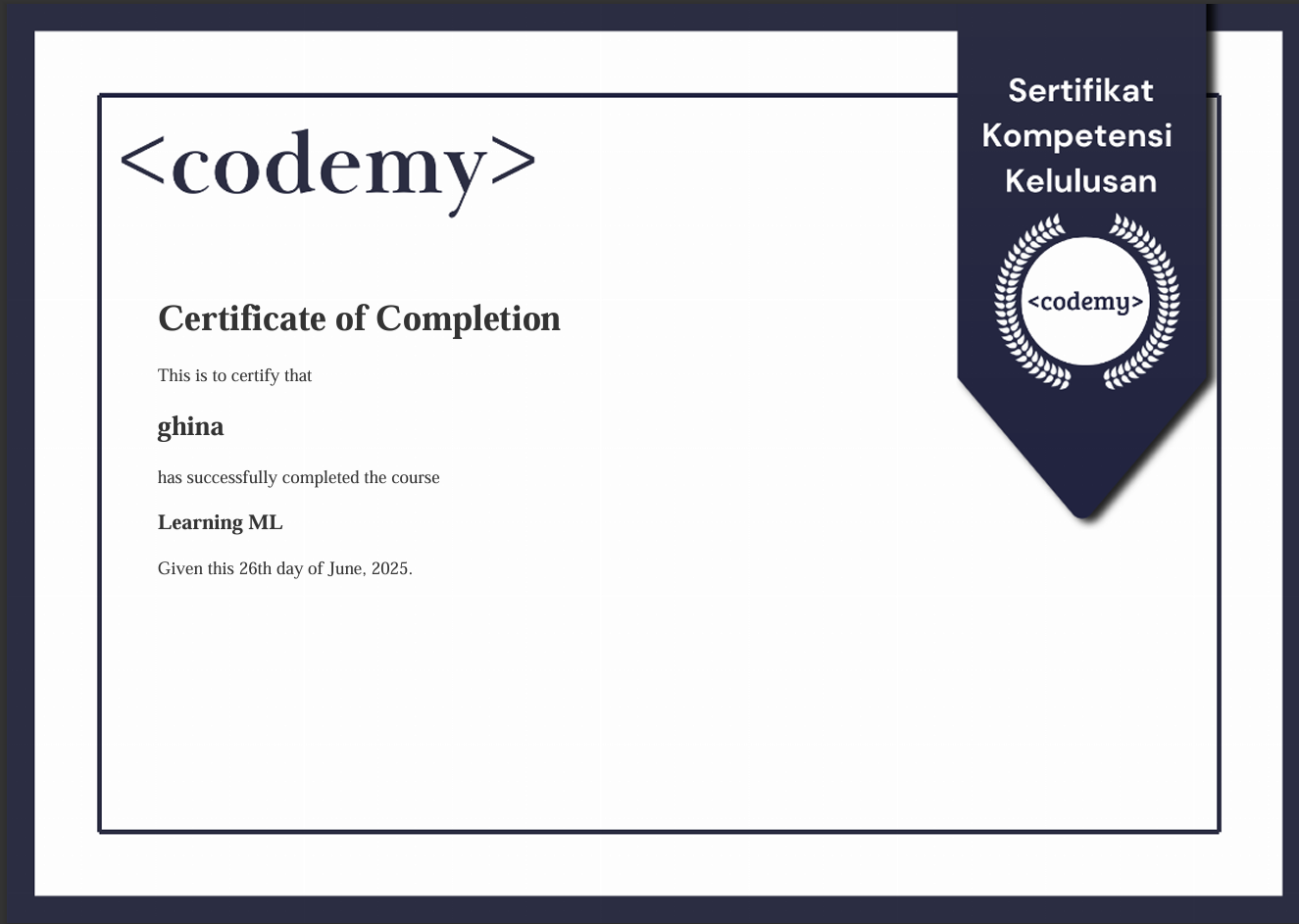
- Automatic certificate issuance use extension gd in php.ini
User Levels
- Admin
- Full access to all features and modules.
- Responsible for managing users and courses.
- Teacher
- Can create, edit, and delete courses and contents.
- Monitors student progress.
- Student
- Enrolls in courses and tracks learning progress.
- Limited access to learning features.
- Public User (Guest)
- Can view the course list without logging in.
- Must register/login to enroll in courses.
CMS Modules
- User Management (Admin)
- List Users: Displays all registered users.
- Create/Edit/Delete User: Admin can manage users.
- Course Management (Admin, Teacher)
- List Courses: Displays all available courses.
- Create/Edit/Delete Course: Admin and Teacher can manage courses.
- Content Management (Teacher)
- List Content: Displays all learning material (contents).
- Create/Edit/Delete Content: Teacher can manage materials.
Layout Features
- Login/Register Page
- Login for Admin, Teacher, and Student.
- Registration is available only for Teacher and Student.
- Homepage
- Displays the 5 most popular courses based on the number of students.
- Search bar to make it easier for users to find courses.
- Option to log in or go to the dashboard.
- Course Catalog
- Displays a list of courses with course names, teachers, and descriptions.
- “See Forum” button for direct communication regarding specific courses through forum.
- Dashboard and Profile Page
- Displays user information (name, email, role).
- For students: Displays the courses they are enrolled in with progress.
- For teachers: Displays the courses they are teaching and student progress.
- Lesson Pages
- Displays learning materials with a “mark as done” button to track progress.
- “Continue” button to proceed to the next lesson.
- A student cannot proceed to the next content unless the previous content has been completed.
Installation
Prerequisites
- PHP >= 8
- Laravel 9 or higher
- Composer
- MySQL (for database)
- NPM (for front-end assets)
Setup
- Clone the repository:
- Install PHP dependencies using Composer:
1
composer install - Set up your .env file by copying .env.example:
1
cp .env.example .env - Generate the application key:
1
php artisan key:generate
- Run the migrations to create the database schema:
1
php artisan migrate --seed - Install the front-end dependencies:
1
npm install - Serve the application:
1
php artisan serve
Support
Lengkapnya di repository GitHub.
For any issues or support Contact me lifsasabran@gmail.com
This post is licensed under CC BY 4.0 by the author.